Organizational knowledge base
Connect policies, workflows, product materials, project files, and business documents as a usable AI foundation.
 Contact 中
 OMA ENTERPRISE AI WORK PLATFORM
OMA brings knowledge, digital employees, and authorized skills into one governed work entry.
Capabilities are enabled by tenant and role. Data stays isolated, records stay traceable, and key actions remain auditable.
CAPABILITY MODEL
From organizational knowledge, agents, and workflow connections to authorized applications, document work, and traceable delivery, OMA brings AI into everyday work. Availability depends on tenant authorization, deployment configuration, and enabled services.
Connect policies, workflows, product materials, project files, and business documents as a usable AI foundation.
Configure agents around roles, tasks, and teams for Q&A, analysis, generation, collaboration, and workflow assistance.
Connect business systems through APIs and orchestration so intelligence enters real work.
Govern roles, call records, Token usage, budgets, and cost attribution so AI stays manageable over time.
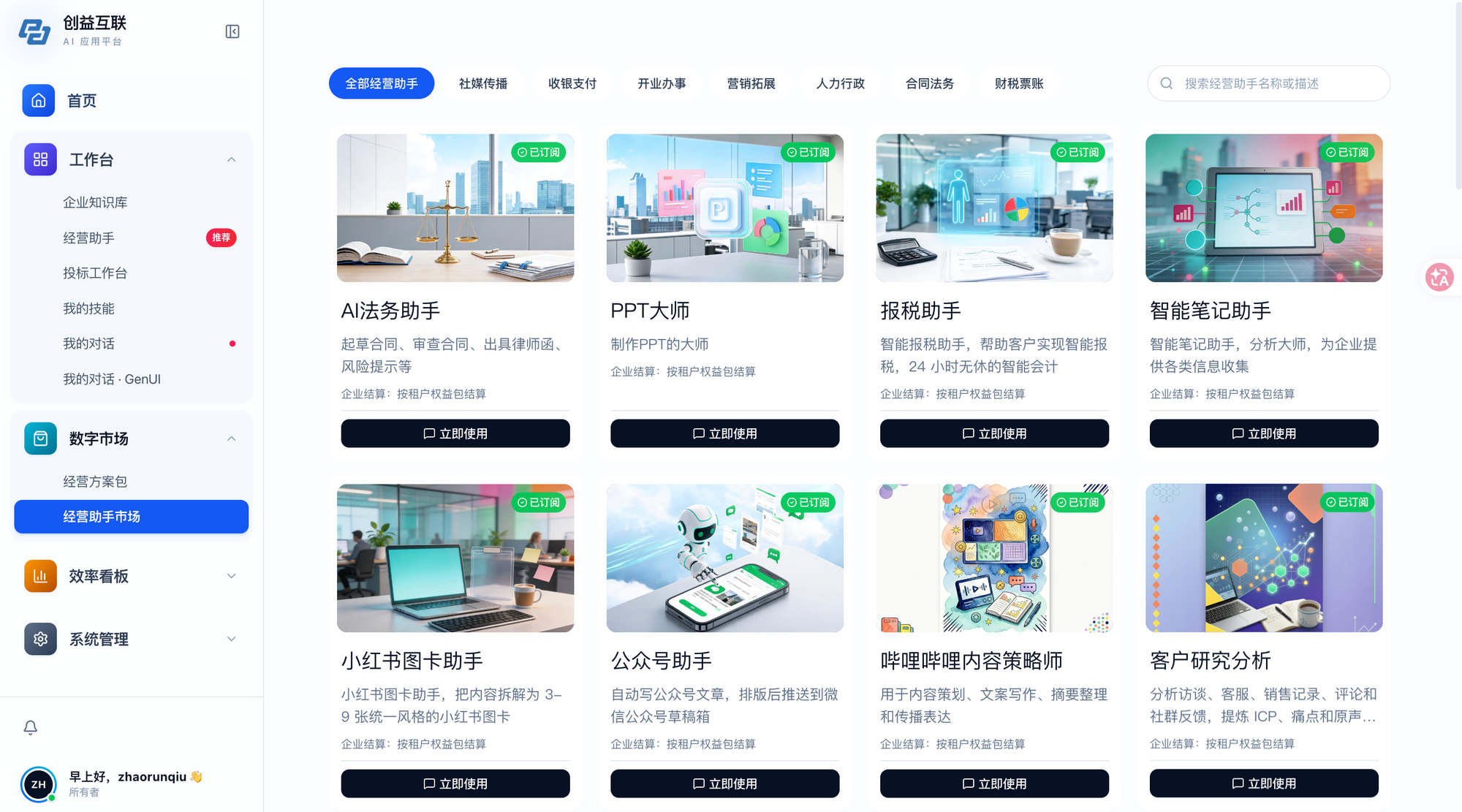
Access tenant-enabled applications and services from one entry point, helping people find the right work tools by role.
Make approved skills and digital employees available by role and scenario, with clear entry points for recurring work.
Answer over authorized knowledge with citations, and support enabled document summarization, extraction, Q&A, and translation.
Run authorized tasks through layered runtimes, with basic automation, run records, progress notifications, and task outputs where configured.
USE SCENARIOS
Focus on reusable organizational scenarios without naming specific customers; availability depends on authorization and deployment configuration.
Use authorized materials for citation-based Q&A, document summarization, extraction, Q&A, and translation to reduce repeated search and preparation work.
Enter enabled applications from one work entry point and use approved skills or digital employees for defined tasks.
For suitable recurring tasks, retain run records, notifications, streamed progress, and task outputs; configured message channels can extend reach.
IMPLEMENTATION PATH
Delivery is not a one-off demo. It organizes tenants, roles, knowledge, tools, and task delivery into a reviewable operating loop.
Clarify participating tenants, accessible roles, priority work scenarios, and the scope of approved materials.
Organize knowledge sources and identify the applications, skills, digital employees, tools, and runtimes to enable.
Configure the work entry point, knowledge Q&A, document tasks, basic scheduling, and enabled message notifications for a pilot.
Use run records, audit information, task outputs, and user feedback to refine configuration and move from pilot to routine use.
TALK WITH CHUANGYI
Whether you are exploring options, comparing approaches, or evaluating deployment, we can introduce the relevant product capabilities and suitable scenarios.
CONTACT
Hello! Could you leave your contact information? A product specialist will get in touch with you.